The Hidden Cost of Disconnected AI in the Enterprise
An assistant that cannot reach your systems saves a few minutes of drafting and leaves the work where it was. Where the cost actually sits, and what it takes for IT to let the assistant reach further.
TL;DR
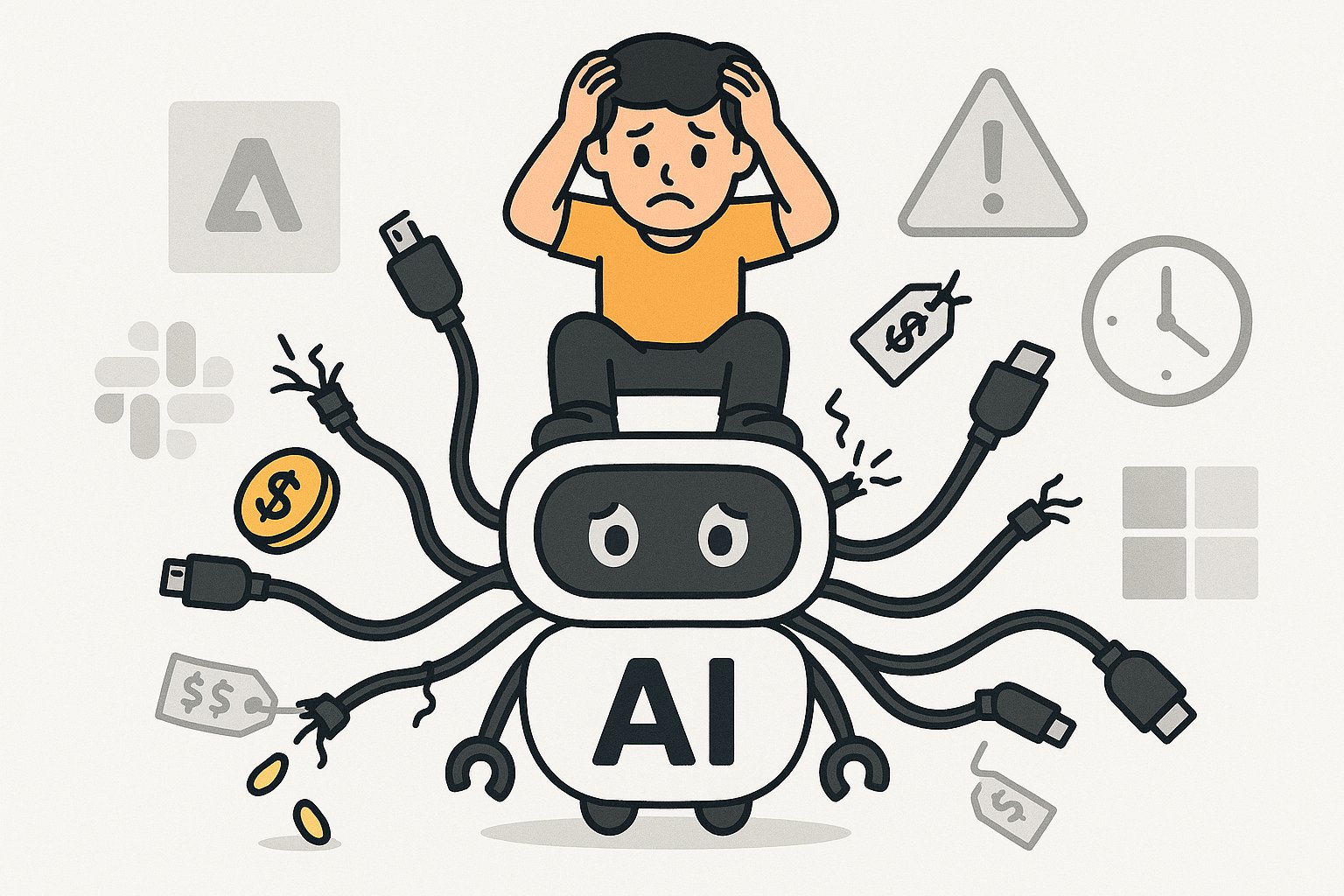
A disconnected assistant is one that can only see what you paste into it. It drafts well and changes nothing about how the work gets done, because the work is in the systems it cannot reach. The cost is not minutes lost to context switching; it is an AI budget that produces text instead of outcomes. The fix is reach, and reach is only allowed once IT can say who may do what.
One afternoon in customer operations
A customer writes in about a missing delivery. The operations lead opens her assistant and asks it to draft a reply. The draft is fine. Then she opens the order system to find the shipment, the carrier portal to see where it is, the CRM to check whether this customer has complained before, and the ticketing tool to log the case. She pastes each finding back into the assistant, asks for a redraft, and sends it. Twenty minutes, six windows, one email.
The assistant contributed the paragraph. Everything that made the paragraph correct came from her. Multiply that by every request in her queue and the assistant has saved her some typing and nothing else.
Where the cost actually sits
The 2025 version of this post quoted a figure for minutes lost per context switch and multiplied it across an organisation. We have removed it, because a number nobody can trace to a source is not a cost, it is a slide. The costs that are real are these:
- Licence spend that buys drafting. Enterprise assistant seats are paid for on the assumption that work changes. If the assistant cannot reach the systems the work happens in, the seat buys a better first draft and the process stays exactly as long.
- Decisions made on pasted context. Whatever the person pastes in is what the assistant knows. It does not know the order shipped an hour ago, or that the customer's contract has a service credit clause. The output is only as current as the copy-paste.
- Data leaving through the clipboard. Every paste is a small, unlogged export. Nobody approved it and nobody can reconstruct it. The security team is right to be uneasy about it, and the answer is not to ban the assistant.
- Parallel tooling. When the sanctioned assistant cannot do the job, teams find one that can, wired to whatever credentials they have. That is the shadow AI problem, and it is caused by the sanctioned tool having no reach.
What connected looks like
The same request, with the assistant able to reach the systems: "A customer says order 48213 is missing. Sort it out." The assistant reads the order, checks the carrier's tracking, sees the parcel is held at a depot, reads the customer's history, drafts the reply with the new delivery date, proposes a goodwill credit under the contract clause and logs the case. The operations lead reads the proposal, approves the credit, and sends. Two minutes, one window.
The mechanism is the Model Context Protocol: a system is exposed once as an MCP server and any assistant that speaks the protocol can discover and call its tools. Nothing about the sequence above was scripted. The assistant had four described tools and worked it out.
Why connected is not allowed by default
An assistant that can reach the order system, the CRM and the carrier portal has to be governed like a person who can. The protocol does not do that. It authenticates a client to a server; an authorised client then sees everything the server exposes to it; a read on one order and a read on every order are the same tool; proposing a credit and issuing one are both just calls. So the security team asks who may use which tool, on which records, with what approval, and with what proof, and a pilot built straight on the assistant cannot answer.
This is the real reason enterprises are stuck with disconnected AI. Not that connection is hard, but that ungoverned connection is unapprovable. The clipboard is the workaround, and the clipboard is worse.
What makes connection approvable
Each person gets one governed connector, assigned through the groups they already hold in the identity provider, carrying every tool and Skill they are entitled to into whichever assistant they use. Policies are evaluated on the actual arguments of a call. Calls that need a human are held for approval. Every call is logged with who, what, when and why, and cost is attributed per team. That is what Palma provides; the assistant and the systems stay as they are.
With that in place, the operations lead's assistant reaches exactly the four systems her group is entitled to, the credit waits for her approval, and the security team has a log instead of a clipboard.
How to size your own disconnected-AI cost
Do not multiply minutes. Take one queue (support, AP, onboarding, whatever has a backlog), count the systems a person touches to close one item, and count how many of those touches are copy-paste into and out of the assistant. That number, times the items per week, is the work the assistant is not doing. Then pick that queue as the first one to connect.
If you want a second opinion on which queue, book thirty minutes.
Read More
What AI Coding Tools Actually Cost at 1,000 Developers
Seats, MCP infrastructure, token usage and governance overhead, costed out for a 1,000-developer estate — with the line items teams miss.
Beyond ChatGPT: Give Your Assistant Reach Into Your Systems
ChatGPT, Claude, Copilot and Gemini all draft well and none of them can see your CRM. What changes when the assistant people already use can reach the systems they work in, and what IT needs before it allows that.
Book a demo
See what governed AI agents look like.
A 20-minute demo on your stack. We'll show Palma working with the agents, tools and identity provider you already run.
- Enterprise security
- Role-based access
- Instant integration