Why Chat Alone Isn't Enough: 5 Use Cases That Need MCP
Five ordinary enterprise workflows a chat assistant cannot finish, what each looks like once the assistant can reach the systems involved, and where a person stays in the loop.
TL;DR
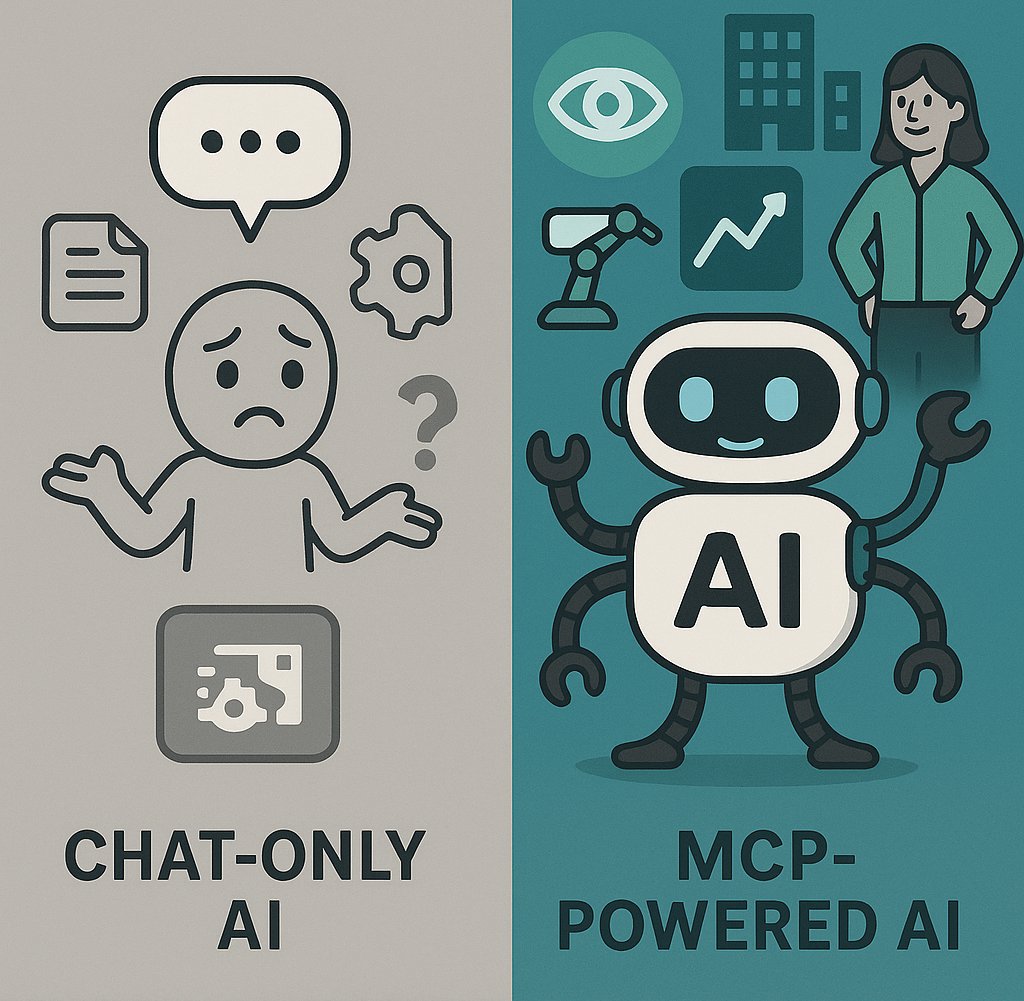
A chat assistant can draft, summarise and explain. It cannot look up an order, check a budget line or open a ticket, because it cannot reach the systems those live in. Below are five ordinary workflows that stop at exactly that wall, what each looks like once the assistant can reach the systems over MCP, and the step in each where a person should still decide. No invented percentages this time; the 2025 version had ten of them.
The wall
Every one of these workflows has the same shape. Someone asks the assistant for help. The assistant produces good text. Then the person opens three or four systems to find out whether the text is true, pastes the findings back, and does the actual step (the refund, the reschedule, the ticket) by hand. The assistant was in the conversation and not in the work.
The Model Context Protocol is what puts it in the work. A system is exposed once as an MCP server; any assistant that speaks the protocol can discover and call its tools. What follows is the same five workflows with that in place.
1. Customer support
With chat alone: the agent asks for a reply to "where is my order", gets a polite draft, then opens the order system, the carrier portal and the CRM to fill in the facts.
With reach: "Sort out ticket 4471." The assistant reads the order, checks the tracking, sees the parcel held at a depot, reads the customer's history, drafts the reply with the real date and proposes a goodwill credit under the contract.
Where a person decides: the credit. The assistant proposes; the agent approves; the approval is logged.
2. Sales proposals
With chat alone: the rep pastes in last year's proposal and asks for a new one. The assistant produces something plausible with last year's prices and none of this year's context.
With reach: "Draft the renewal for Nordkap." The assistant pulls the account from the CRM, current list prices from the pricing system, the open support tickets, and the usage report, and writes a proposal that reflects all four.
Where a person decides: the discount. A rep can propose within their band; anything beyond it waits for the sales lead.
3. Finance close
With chat alone: the analyst exports the GL to a spreadsheet, pastes chunks into the assistant, and asks what looks odd.
With reach: "Which cost centres are more than ten percent over budget this month, and why?" The assistant queries the ERP, lists the variances, reads the supporting POs, and writes the commentary the controller would otherwise write on Friday night.
Where a person decides: the journal. The assistant may read everything the analyst may read; it may propose an accrual; it posts nothing.
4. IT operations
With chat alone: the on-call engineer pastes a log excerpt and asks what it means. Useful, and then they go and look at the dashboard themselves.
With reach: "Why is checkout slow?" The assistant reads the monitoring system, correlates the latency with a deploy an hour earlier, reads the change ticket, and drafts the incident note with a proposed rollback.
Where a person decides: the rollback. The 2025 version of this post celebrated incidents "resolved automatically without human intervention". That is the wrong goal. Restarting a service in production is exactly the call that should wait for a human, and be logged with their name on it.
5. Project and portfolio management
With chat alone: the PMO lead pastes status emails from six project managers and asks for a summary. The summary is only as honest as the emails.
With reach: "Which projects are behind against their baseline?" The assistant reads the work-tracking system, the resourcing tool and the budget lines, and reports which projects say green and look amber.
Where a person decides: the escalation. The assistant flags; the lead decides what goes to the steering committee.
The common thread
In all five, the assistant is not doing anything a person on that team could not do. It is doing the looking-up, so the person can do the deciding. That only works if two things are true.
First, the assistant has to be able to reach the systems. That is MCP, and it is solved.
Second, the assistant has to be allowed to. An assistant that can read the CRM, query the ERP and propose a rollback has to be governed like a person who can. The protocol does not do that: every client that reaches a server sees everything it exposes, and a read on one record and a read on all of them are the same tool. So the security review asks who may use which tool, on which records, with what approval and with what proof, and a pilot built straight on the assistant cannot answer.
That is where Palma sits. Each person gets one governed connector, assigned through the groups they already hold in the identity provider, carrying every tool and Skill they are entitled to into whichever assistant they use. Policy is evaluated on the actual arguments of the call. The steps marked "where a person decides" above are held for approval. Every call is logged with who, what, when and why, and cost is attributed per team. The assistant does not change; what changes is that IT can say yes.
Which one to start with
The one with a queue and an owner. Support and finance close are usually the fastest, because the systems involved already have MCP servers and the approval step is obvious. Connect the identity provider, expose the two or three systems that team uses, set reads open and writes behind approval, and hand the security team the audit trail after the first week.
If you would like help choosing, book thirty minutes.
Read More
One Connector, Every AI Client: Per-Client Integration Fails
The moment you run a second assistant or a second system, per-client integration turns into N times M work and N audit surfaces. Serving capability over MCP collapses it back to one governed layer.

Copilot Beyond Microsoft: Governed MCP for Your Whole Stack
Copilot is excellent inside the Microsoft estate. Most enterprise work is not. Palma serves Copilot agents live tools and versioned skills for everything else, assigned by Entra group.
Book a demo
See what governed AI agents look like.
A 20-minute demo on your stack. We'll show Palma working with the agents, tools and identity provider you already run.
- Enterprise security
- Role-based access
- Instant integration