How to Give 500 Developers MCP Access Without Losing Control
The enterprise governance playbook for rolling out AI agent MCP connections at scale. Access control, data boundaries, approval workflows, audit trails, and cost tracking — everything you need to unlock MCPs without security, compliance, or budget surprises.
TL;DR
Giving developers governed MCP access isn't a security compromise — it's a security upgrade over the shadow AI already happening. This post is the enterprise playbook: 5 governance pillars that let you roll out MCP connections to hundreds of developers while maintaining full control over access, data flow, cost, and compliance.
The Real Question Isn't "Should We?" — It's "How?"
If you've read the first two posts in this series (the productivity case and the 6 MCPs every developer should have), you know the value is real. The question every CTO, CISO, and platform engineering team is asking is: how do we actually do this at scale without losing control?
The answer is 5 governance pillars. Get these right and you can confidently roll out MCP access to 50, 500, or 5,000 developers.
Pillar 1: Identity-Based Access Control
Not every developer should see every MCP. Not every MCP should expose every tool. Access control is the foundation.
What it means in practice
- Team-scoped visibility: The backend team sees backend repo MCPs, database MCPs, and infrastructure docs. The frontend team sees frontend repos, design system docs, and component libraries. Same governance platform, different views.
- Role-based tool filtering: Junior developers get read-only MCP access. Senior engineers get write access. Architects get cross-team visibility. The governance layer filters the tool list dynamically based on who's asking.
- Enterprise SSO integration: Developers authenticate through your existing identity provider — Okta, Entra ID, Auth0. No separate credentials. No credential sprawl. Groups and roles sync automatically via SCIM.
- Per-invocation authorization: Every single tool call is re-evaluated against current policies. Role changed? Access revoked? It takes effect immediately — not at the next login, at the next tool call.
The key principle: your AI governance should mirror your organizational structure. If a developer shouldn't access a system directly, their AI agent shouldn't either. If they can, their AI can — with the same boundaries.
How Palma does it: Palma uses a three-principal identity model — every tool call is attributed to the User (who initiated it), the Agent (which AI executed it), and the Host (which application sent it). Access policies evaluate all three principals, giving you granular control that traditional single-identity systems can't match.
Pillar 2: Data Boundary Enforcement
The biggest concern with enterprise MCP access isn't "will developers waste time?" — it's "where does our data go?" Data boundary enforcement ensures the answer is always "exactly where you want it to."
What it means in practice
- Self-hosted MCP servers: Your code, documents, and communications stay on your infrastructure. No data transits through third-party MCP hosting services. The MCP servers run in your VPC or on-prem.
- Outbound auth control: When an MCP server needs to connect to a downstream system (GitHub, Confluence, Slack API), the governance layer controls how authentication happens. Token exchange, client credentials, vault-based secrets — all managed centrally, not scattered across developer machines.
- PII and sensitive data filtering: Content filtering rules can strip PII, credentials, or classified information before it reaches the AI model. The governance layer sits in the path and enforces data classification policies.
- No data leakage to model training: Self-hosted infrastructure means your data never reaches AI provider training pipelines. Enterprise AI agreements (like Anthropic's Enterprise terms) provide additional contractual protection.
Think of it this way: without governance, every developer is a potential data exfiltration vector. With governance, every data access is controlled, logged, and reversible.
Pillar 3: Audit Trail and Observability
If you can't see what's happening, you can't govern it. A comprehensive audit trail is non-negotiable for enterprise MCP deployments.
What it means in practice
- Three-principal attribution: Every tool call logged with the user who initiated it, the AI agent that executed it, and the host application that sent it. Not just "someone accessed the Git MCP" — but "Sarah's Claude Code instance accessed the payments-service repo at 2:34 PM to read the auth middleware."
- Tool-level granularity: Not just "MCP was used" — which specific tool, with which parameters, returning what results. Full request/response logging for compliance.
- Real-time dashboards: Activity by team, by MCP, by time period. Error rates. Latency. Usage patterns, so a developer reaching for repositories they have never touched before is visible in the activity view.
- Compliance-ready exports: SOC 2 evidence packages. GDPR data access logs. EU AI Act transparency reports. The audit trail maps directly to compliance requirements.
Why this matters for security teams:
Right now, your developers are probably using AI tools you don't know about, accessing company data through channels you can't audit. Governed MCP access doesn't increase your attack surface — it makes your existing AI usage visible and controllable for the first time.
Pillar 4: Approval Workflows and Tool Governance
Not every MCP connection should go live immediately. And not every tool within an MCP should be available to everyone. Approval workflows give you control over the lifecycle of MCP access.
What it means in practice
- MCP lifecycle stages: New MCP connections start in Draft, move through Development and Testing, and only reach Production after review. Just like code deployments, MCP connections follow a promotion pipeline.
- Execution policies: Define which tools are allowed, denied, or require approval. A Git MCP might allow "read file" by default but require approval for "create pull request." Granular, per-tool control.
- Argument-level policies: Not just "can this developer use the database query tool?" but "can they query the customers table?" Policies evaluate the actual arguments, not just the tool name.
- Multi-approver workflows: New MCP connections or elevated permissions go through security review, platform team review, or both. Configurable approval modes: any approver, all approvers, or quorum.
This is what separates "developer free-for-all" from "governed developer enablement." Developers get what they need. Security teams approve what's appropriate. Platform teams manage the infrastructure. Everyone has visibility.
Pillar 5: Cost Tracking and Budget Control
AI costs at scale are a real concern. 500 developers with unlimited access could run up a significant bill. Cost governance ensures you know exactly what you're spending and can set appropriate limits.
What it means in practice
- Per-developer cost attribution: Know exactly what each developer's AI usage costs. Not a single line item for "AI tools" — a breakdown by developer, by team, by project.
- Per-MCP cost tracking: The Git MCP costs $X, the Docs MCP costs $Y, the Slack MCP costs $Z. Understand which connections deliver the most value relative to cost.
- Budget alerts and limits: Set spending thresholds per developer, per team, or per MCP. Get alerts at 80% of budget. Hard-stop at 100% if needed. Or set soft limits that flag for review.
- Showback and chargeback: Engineering team A uses $12,000/month in AI MCP access. Team B uses $3,000. Allocate costs to cost centers, projects, or business units. Finance gets the visibility they need.
- ROI tracking: Correlate AI spending with output metrics — PRs merged, tickets closed, deployment frequency. Justify the investment with data, not gut feel.
The goal isn't to minimize AI spending. It's to maximize AI ROI. Cost visibility lets you invest more in the teams and MCPs delivering the highest return, and optimize the ones that aren't.
Putting It All Together: A 90-Day Rollout Plan
Here's how an enterprise typically rolls this out:
Days 1-14: Foundation
- Deploy governance layer (self-hosted, connected to your SSO)
- Set up Git repo MCP for one pilot team (10-15 developers)
- Configure basic access policies and audit logging
- Baseline current productivity metrics for comparison
Days 15-30: Expand Scope
- Add Documentation MCP and Calendar MCP for the pilot team
- Review audit logs — validate policies are working as intended
- Collect developer feedback and adjust policies
- Run first cost analysis — compare cost vs. productivity gains
Days 31-60: Scale Teams
- Roll out to 3-5 additional teams using proven policies
- Add Team Chat MCP (public engineering channels)
- Implement approval workflows for new MCP requests
- Present first ROI report to leadership
Days 61-90: Organization-Wide
- Open MCP access to all development teams with governance in place
- Add Meeting Transcript MCP for opted-in teams
- Implement showback/chargeback for cost allocation
- Establish ongoing governance review cadence (monthly policy review, quarterly access audit)
Notice what's not in this plan: a 6-month security review that blocks everything. The governance layer is the security review — running continuously, enforcing policies on every tool call, logging everything for audit. You don't need to "wait until we have a security story." The governance platform is the security story.
The Platform That Makes This Possible
Palma.ai is built for exactly this use case: enterprise-scale MCP governance. All five pillars — identity-based access, data boundaries, audit trails, approval workflows, and cost tracking — in a single self-hosted platform that integrates with your existing SSO, runs on your infrastructure, and gives you complete control over what AI agents can access.
No vendor lock-in. No data leaving your perimeter. No surprises on the bill.
The bottom line:
500 developers with MCP access isn't a risk. 500 developers using unmonitored AI tools without governance — that's the risk. Governance doesn't slow you down. It's what makes going fast possible.
Continue Reading
This is part 3 of our series on unlocking Claude Code + MCPs for enterprise development teams:
Read More
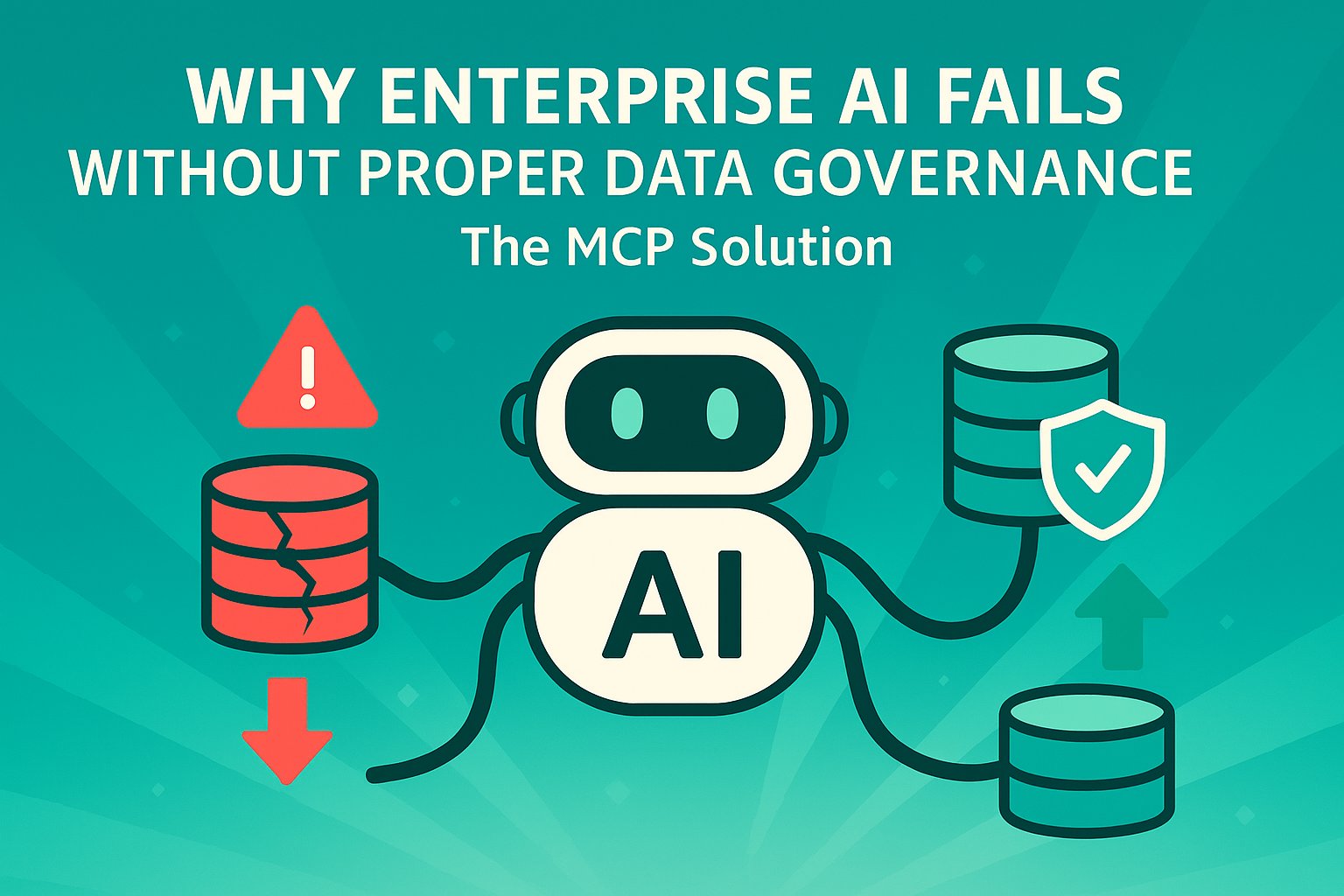
Why Enterprise AI Fails: The Governance Gap
AI pilots rarely fail on the technology. They fail at the security review, on five questions nobody can answer. What those questions are, why the EU AI Act makes them mandatory, and what answers them.
MCP vs CLI: Why They Are Not the Same Thing
The AI community says CLI is better than MCP. The data backs it up — for one specific scenario. Here's why that narrative misses the point for enterprise, and what it means for the future of AI agent governance.
Book a demo
See what governed AI agents look like.
A 20-minute demo on your stack. We'll show Palma working with the agents, tools and identity provider you already run.
- Enterprise security
- Role-based access
- Instant integration